Walk into any of the print studios tucked behind the old cutlery works on Mowbray Street or down towards Shalesmoor and you will hear the same argument that has been running since the first lockdown: is a laptop with an AI model open on the desk still a print studio, or has it become something else. Sheffield printmakers are a practical lot, shaped by a city that made its name turning raw steel into tools people actually used, and most of them have settled the argument the same pragmatic way. The software gets used where it saves time or opens a door that hand skills cannot, and it gets ignored everywhere else.
This piece is not a trend report written from a distance. It comes from conversations with six studios working across screenprint, lino, etching and riso around Kelham Island and Neepsend during fit, when the Don is running high after a wet spring and everyone is trying to finish editions before the light changes for summer open studios. What follows is what they actually open on their machines, what they have quietly deleted, and what they ask themselves before adding one more tool to an already crowded desktop.
What printmakers mean when they say 'AI tool'
Ask ten printmakers in Sheffield what counts as an AI tool and you will get ten different lists, mostly because the term has swallowed three very different kinds of software. There is generative image making, the Midjourney and Adobe Firefly category, which builds pictures from text prompts. There is assistive editing, things like Photoshop's generative fill or Procreate's smart selections, which tidy up or extend work a person has already made. And there is pattern recognition, used mostly for colour separation and vectorising, where software reads a scanned drawing and turns it into clean layers ready for screen exposure.
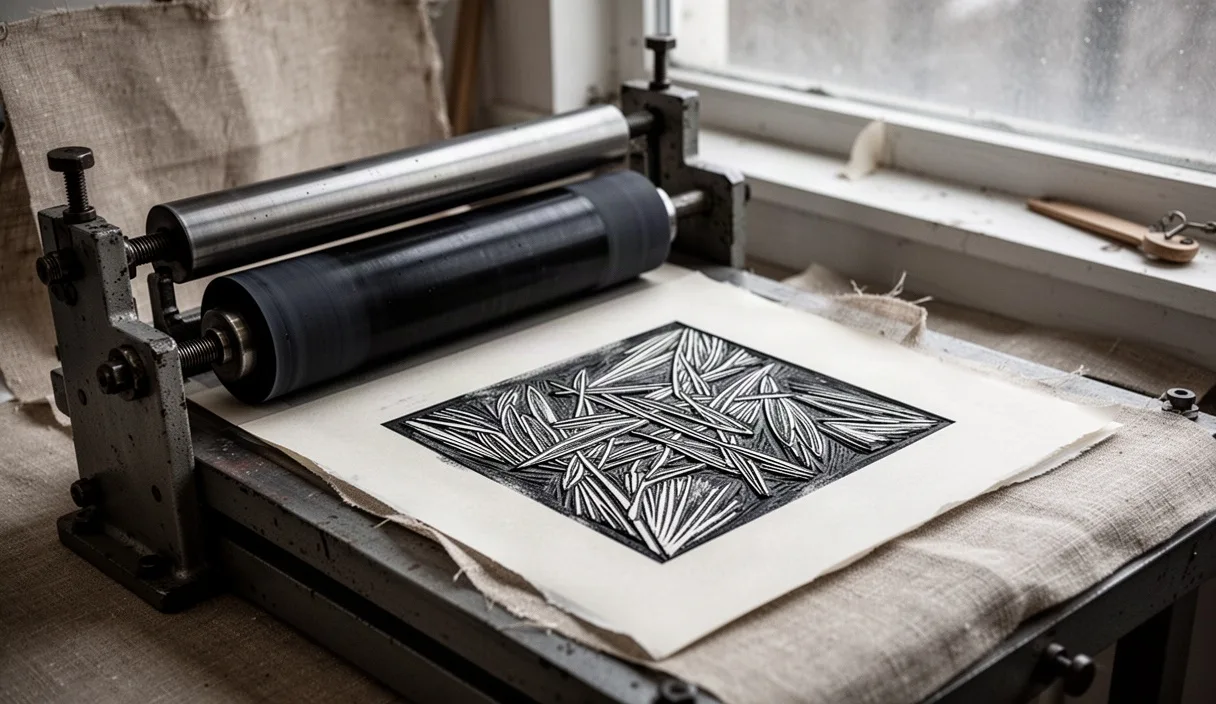
Printmakers care about this distinction more than most digital artists do, because the physical process punishes sloppy input. A screenprint needs separations that register correctly on the press bed. A lino cut needs a design that still reads at the scale of a 30 by 40 centimetre block after the fine detail is lost to the gouge. Generative image tools rarely understand either constraint, so they tend to sit earlier in the process, well away from anything that touches ink.
One printmaker working out of a shared studio near Ball Street Bridge put it plainly during a Thursday crit session: "the AI doesn't know what a squeegee does, so I don't let it near the file that goes to the exposure unit." That line has stuck, because it captures the working rule most studios in the city have arrived at without ever writing it down.
Reference generation versus final output
The clearest line Sheffield printmakers draw is between using a tool to generate reference material and using its output as the finished artwork. Reference generation covers mood boards, colour studies, and quick visualisations of how a composition might sit before any ink touches paper. Final output means the actual file sent to screen or plate.
In practice this plays out as a short checklist most studios follow without naming it formally:
- Generated images get used to test composition and colour balance only, never traced directly onto a plate or screen.
- Any AI-assisted sketch goes through at least one hand redraw before it is considered studio-ready, usually on tracing paper or directly in Procreate with a stylus.
- Colour separations are still checked manually against a printed proof, because software-suggested separations often merge tones that need to stay distinct on press.
- Text and typography generated by AI get rebuilt in Illustrator using actual typefaces the studio owns, partly for licensing reasons and partly because generated lettering rarely survives being reduced to two or three print colours.
This matters for a reason beyond taste. Edition prints sold through places like Rhubarb or the Sheffield Print Fair at Kelham Island Museum carry an expectation of handmade process. A buyer paying for a hand-pulled screenprint is paying for decisions made at the press, not for a image a model produced in four seconds. Studios that blur that line too far have had to answer awkward questions from regular collectors, and a few have lost repeat customers over it.
A week in a Kelham Island print studio
To see how this actually sits inside a working week, one studio shared its rough schedule during a edition run for fourteen screenprints destined for a group show at Persistence Works.
| Day | Task | Software touching it |
|---|---|---|
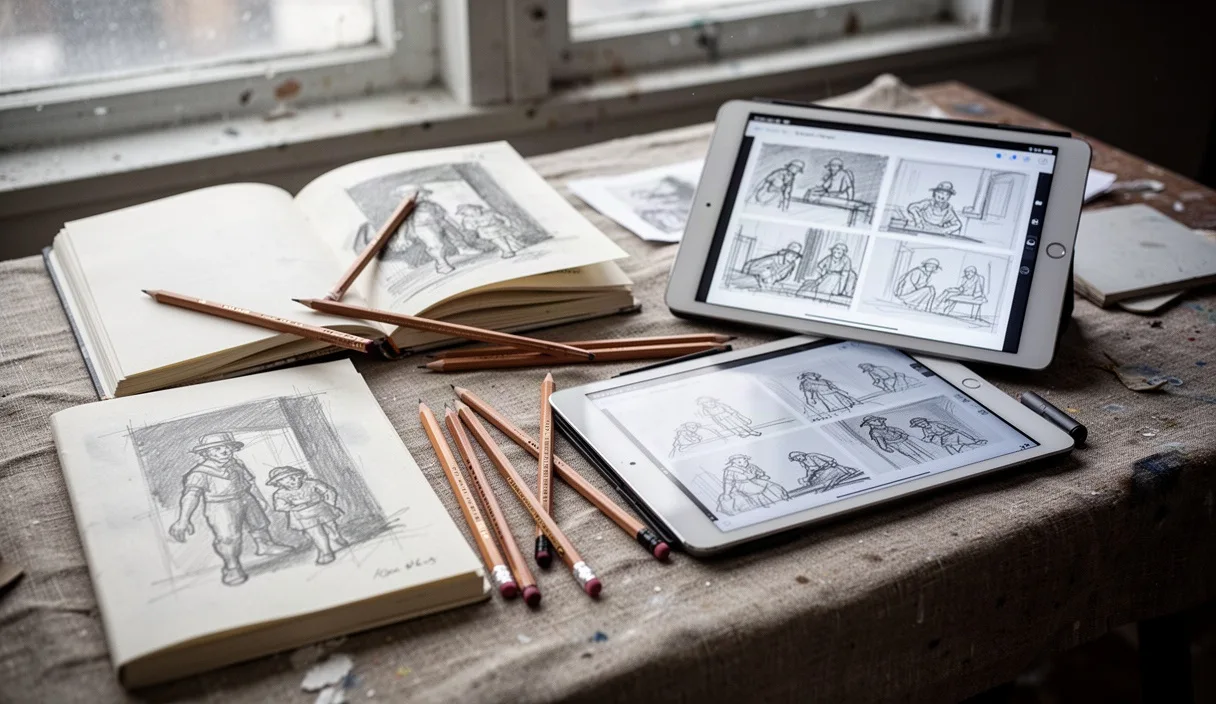
| Monday | Sketching compositions from site photos taken along the Porter Valley | Procreate, no AI assist |
| Tuesday | Testing colour palettes against three reference moods | Adobe Firefly for quick colour variants, discarded after comparison |
| Wednesday | Vectorising hand drawings for screen separation | Illustrator's image trace, manually corrected |
| Thursday | Exposing screens and first proof pull | None, entirely manual |
| Friday | Editing proof photographs for the studio's online shop listing | Photoshop generative fill to clean dust marks from product photos only |
What stands out is how little of the week actually involves AI software, and how firmly it stays on the edges, colour testing and photo cleanup, rather than the centre, which is drawing, separating and pulling prints. That pattern repeated across every studio interviewed for this piece, with small variations depending on whether the shop does more lino, more etching, or riso runs for zines sold at Tramlines fringe stalls.
Three tools that earned a permanent spot
Three pieces of software came up unprompted in every conversation, and all three share a common trait: they save time on a task printmakers already understood how to do by hand, rather than trying to replace the judgement involved in making the print.
- Adobe Photoshop's generative fill, used almost exclusively for cleaning scanned paper textures and removing dust specks from large flatbed scans before separation. One etching studio near Cornish Place said it cut their scan cleanup time from around forty minutes per sheet to under ten.
- Procreate's colour palette extraction, which pulls a limited palette from a reference photograph. Printmakers use this to decide how many screens or plates a job genuinely needs before committing to an edition, which matters because every extra colour adds a full day of registration and drying time.
- Illustrator's image trace with manual node cleanup, used for turning hand-inked line drawings into vector separations. Nobody trusts the automatic result without going through and simplifying nodes by hand, but it beats tracing every line from scratch, especially on detailed botanical or architectural subjects drawn from Sheffield's own Victorian ironwork and terraced rooflines.
What ties these three together is that none of them generate imagery from nothing. They all work on material the printmaker already made, which keeps the authorship question simple and keeps the output compatible with a physical print process that does not forgive vague edges or muddy separations.
Two tools that got dropped after one project
Not everything survives contact with an actual edition. Two tools came up repeatedly as things studios tried once, during the enthusiasm of late 2023 and early 2024, and then quietly stopped opening.
The first was full text-to-image generation used as a source for final compositions. One riso printer working out of a studio off Mowbray Street tried building an entire eight page zine from generated imagery, and found that the prints looked flat on paper in a way they had not looked on a screen. Riso ink sits differently to digital colour, and generated images, built from training data biased towards smooth digital gradients, kept producing artwork that lost all its character once reduced to two riso drums. The project got reprinted from scratch using hand drawings within a fortnight.
The second was an AI-based upscaling tool used to enlarge small reference photographs for large format screenprints. It produced detail that looked convincing on a monitor but introduced strange repeating patterns once blown up to the 70 by 100 centimetre sheets the studio prints on. A proof pull revealed the artefacts immediately under daylight, something the studio's north-facing windows on the second floor made impossible to miss. They went back to rephotographing subjects at full resolution instead.
Questions to ask before you install anything
The studios that seem settled on their software choices, rather than constantly chasing the next release, tend to ask a short set of questions before adding a new tool to their workflow.
- Does this tool touch the file that goes to screen, plate or drum, or does it stay in the reference and planning stage
- Will the output survive being reduced to the ink limitations of the process, usually two to four colours, before I commit studio time to it
- Does using this tool change what I need to tell buyers about how the print was made, and am I comfortable explaining that honestly on a stall card
- Is there a licensing question around the training data that matters for work I plan to sell, and if unsure, is this worth a quick conversation with someone who actually knows copyright law rather than guessing
That last point is worth taking seriously rather than treating as a formality. Several printmakers mentioned they simply avoid generative tools for anything destined for sale until the legal picture around training data and copyright settles further, and a few said they had asked a solicitor friend or checked guidance from the Design and Artists Copyright Society before using any generated material in commercial editions. That is a sensible habit, not caution for its own sake.
Common mistakes
The most frequent mistake studios reported was trusting a generated colour separation without proofing it on actual paper stock first, which wastes screen exposure time and sometimes a full sheet of good paper. A close second was letting an upscaling tool handle imagery meant for large format work without checking the result at full size under proper light. The third, more subtle mistake, was using generated reference images so late in a project that the final print ended up closer to the AI's aesthetic than the printmaker's own hand, something several studios only noticed once a regular customer pointed it out.
Where to go from here
If you run a print studio in Sheffield and are deciding whether to bring any of this into your own practice, start small and reversible. Pick one task that already costs you real time, dust cleanup on scans or testing a colour palette before committing to screens, and trial a tool on that single task for one edition. Keep a note of how long it actually saves against your usual method, and proof the physical output before deciding it earns a permanent place on your desktop. Talk to other printmakers at the next Sheffield Print Fair or at an open studio night around Kelham Island, since most are happy to compare notes on what worked and what got quietly abandoned. And if any tool you are considering touches work you intend to sell, it is worth a short conversation with someone who knows copyright and licensing properly before the edition goes on the stall.